
What Is Vibe Coding? A Parent's Guide to Coding with AI
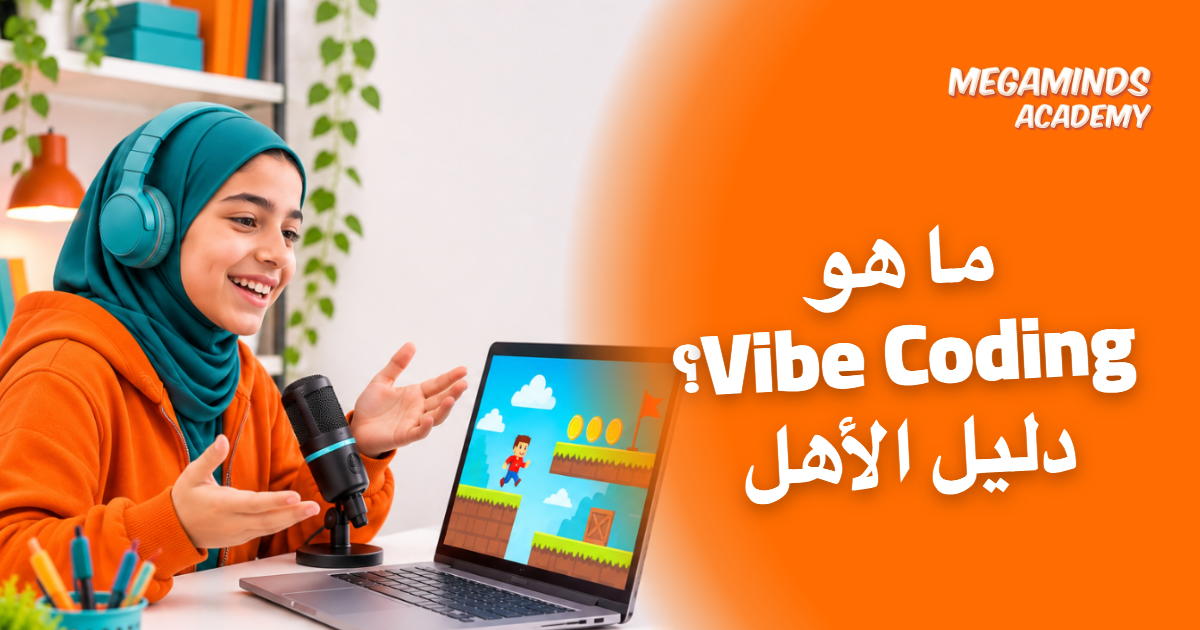
You walk in and find your son talking to the computer: "Make the character jump higher, and add gold coins." A minute later, a working game is on the screen. He hasn't typed a single line himself.
Is that learning to code, or just a shortcut?
It's called vibe coding, and Collins Dictionary made it its Word of the Year for 2025. Many parents first hear the term from their own sons and daughters, so this guide explains what it is, how it works, its benefits and risks, whether it suits your son or daughter, and how to keep an eye on what they're doing.
What is vibe coding?
Vibe coding is a way of building software by describing what you want in plain language to an AI tool, which writes the code for you. You describe an idea, test the result and ask for changes, sometimes without ever reading the code.
The term was coined by AI researcher Andrej Karpathy, and Collins named it Word of the Year in November 2025.
How does vibe coding work, step by step?
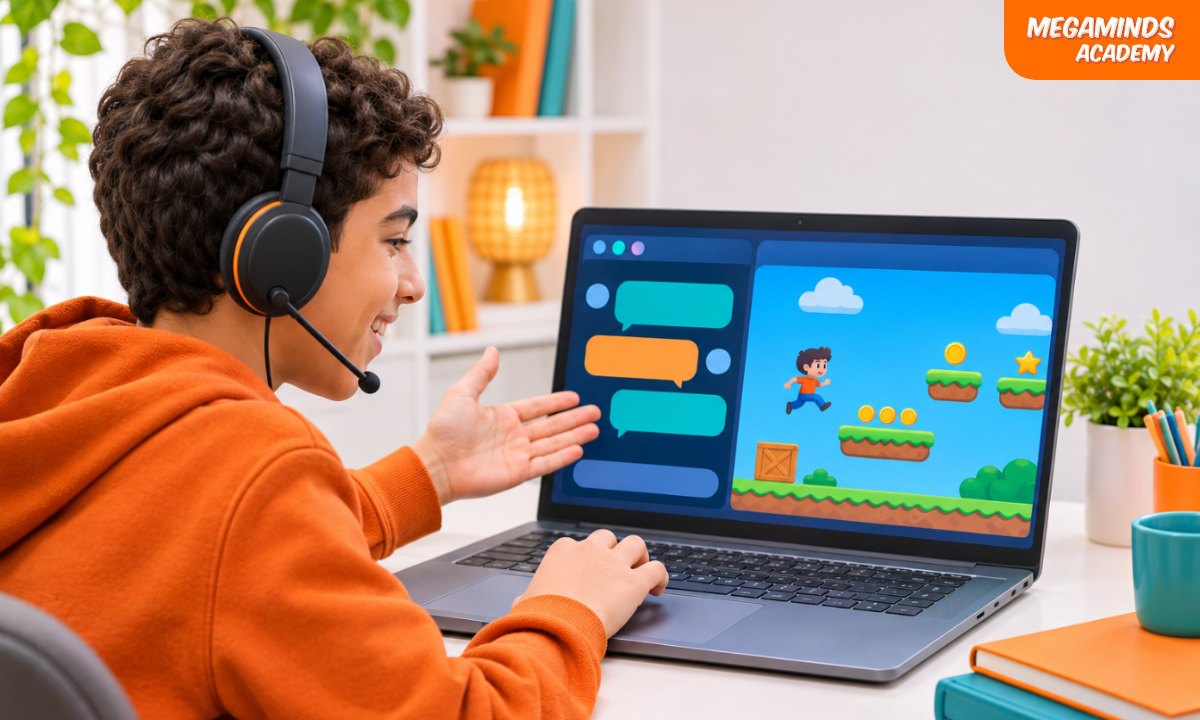
The process repeats in four simple steps:
- Describe the idea: what to build, who it's for, and how it should work.
- The tool writes the code: a first version appears within seconds.
- Test the result: run it and look for what doesn't behave as expected.
- Revise and improve: ask for specific changes and repeat until it's right.
This is where good thinking pays off. A vague request like "make a cool game" gets a random result. A clear one, "a game where the player jumps with the space bar, collects 10 coins, and loses on touching an obstacle", gets something that can actually be tested.
What are the benefits for young learners?
Used at the right age and with supervision, vibe coding has real upsides:
- Quick results that keep them going: seeing an idea work in minutes encourages them to keep learning.
- Focus on the idea: they think about the problem, the design and the user, not just a missing comma.
- Practice describing precisely: writing a clear request is direct practice in breaking a problem down.
- Confidence to experiment: they can try many ideas without fear of wasting hours.
Read also: AI Tools and Apps
What are the risks of vibe coding?
The other side matters too. The risks come down to four things:
1. Shallow understanding
Students may think they've learned to code because the program runs, without knowing why it runs. When it breaks, they're stuck. An article for teachers in Kids Discover flags this as a main concern.
2. Errors they can't see
Even professionals are careful. In the 2025 Stack Overflow survey, 46% of developers said they don't trust the accuracy of AI output, and nearly 77% said vibe coding isn't part of their professional work.
3. Privacy and security
A student might type their name or family details into a tool, or publish a project with security holes they don't know about.
4. Age requirements
Not every tool is open to every age. OpenAI, for example, says ChatGPT isn't meant for anyone under 13, and requires parental consent from 13 to 18.
What are the best-known vibe coding tools?
These tools and their terms change often, so check each site's terms page before creating an account.
1. ChatGPT
A general chat tool that can write code and explain it step by step. Its strength is that a student can ask, "Why did you write this line?"
2. Replit
A browser-based coding environment with an AI assistant, where you can see, run and edit the code in one place.
3. Lovable
A tool that builds websites and web apps from a text description. It's aimed closer to non-programmers, so students touch the code itself less often.
For younger learners, a better starting point is Scratch or the Hour of AI activities from Code.org, which grew out of Hour of Code and cover a range of grades.
A practical example: how to build a small game the right way
Say a 14-year-old wants a coin-collecting game. This approach makes them learn from the process rather than just copy the result:
- Write the idea on paper first: who's the player, what's the goal, and when does the game end?
- Ask for one part only: "Write a game with a character that moves left and right with the arrow keys", not the whole game at once.
- Ask for an explanation: "Explain in simple language what each part of this code does."
- Edit by hand: change the character's speed or color, and predict the result before running it.
- Add one feature at a time: coins, then a counter, then an ending, testing each addition.
- Break it on purpose: delete a line, see what happens, then fix it themselves.
Done this way, they end up with a working game and a real understanding of what they built.
Is vibe coding right for your son or daughter?
There's no single official rule, but this is our practical recommendation by age:
- Ages 6 to 9: not recommended. Block coding and logical thinking come first.
- Ages 10 to 12: worth trying after learning the basics, alongside a teacher or parent who runs the tool themselves, within its terms.
- Ages 13 to 16: a useful helper on real projects, as long as they understand and review the code.
Read also: Should Kids Still Learn to Code in the Age of AI?
How can you keep an eye on what they build?
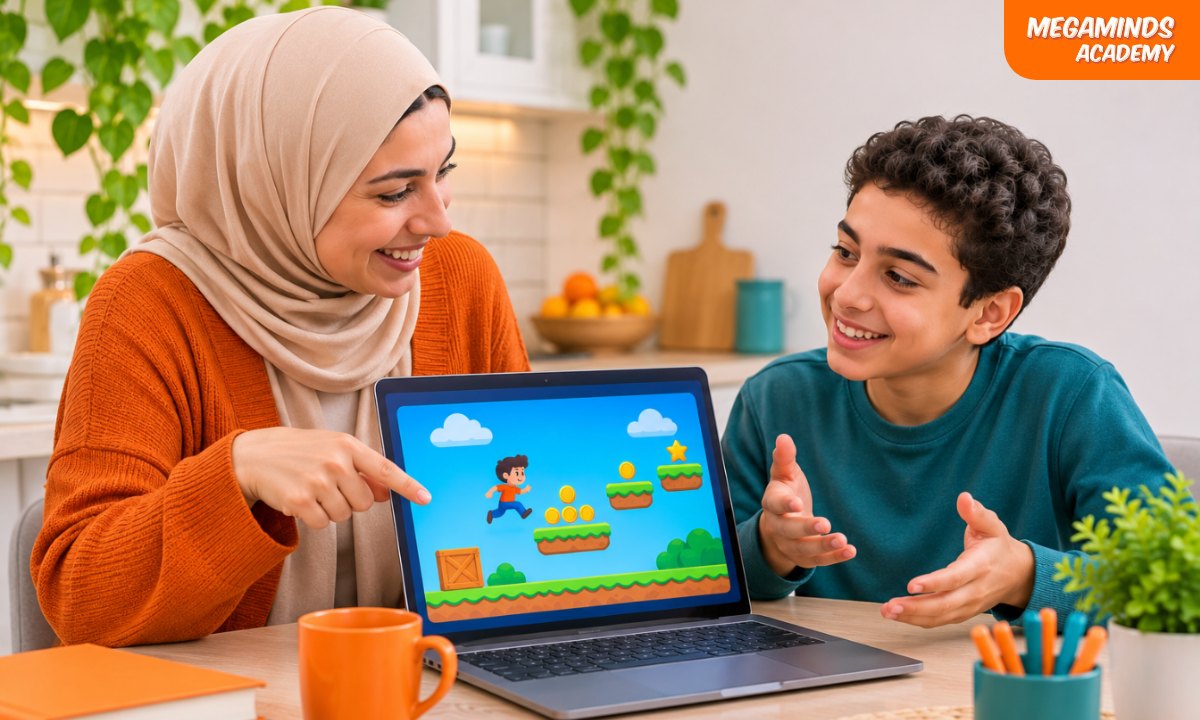
You don't need to know how to code. Agree on these five house rules:
- Explain before you celebrate: they tell you what the program does and how, in their own words.
- Edit by hand: they change at least one part themselves in every project.
- Ask why: they ask the tool to explain any line they don't understand.
- No personal data: no names, addresses, photos or passwords.
- No publishing without review: someone who understands checks the project first.
What should you ask after every project?
You don't need to read the code to know whether they understood what they built. Just ask:
- What does this program do, and who is it for?
- What was the hardest part, and how did you solve it?
- Which part did you change yourself?
- What would happen if we changed this number?
- Where did the tool get it wrong, and how did you find out?
If they can answer in their own words, they're really learning. If they stumble on every question, it's better to go back a step to the fundamentals.
Read also: How to Assess Progress in Learning to Code
What's the difference between vibe coding and learning to code?
Vibe coding gives you a result. Learning to code gives you the ability to understand and change it:
- Vibe coding: plain-language description, fast result, heavy reliance on the tool.
- Learning to code: understanding variables, conditions and algorithms, with the ability to fix errors and build what the tool can't.
The best path combines both in the right order: fundamentals first, then tools.
Read also: Python Basics: A Fun Gateway to the World of Coding
How does Megaminds Academy help students use AI thoughtfully?
At Megaminds Academy, we teach students aged 6 to 16 coding and AI and machine learning in live online classes, in small groups with certified instructors. Every student builds real projects they understand part by part, and earns an accredited certificate after each level.
Frequently asked questions about vibe coding
Does vibe coding replace learning to code?
No. It helps build a quick prototype, but it doesn't teach why a program works or how to fix it. Students who learn the fundamentals first get far more out of these tools.
Is vibe coding safe for young learners?
It's safer with parental supervision, within the tool's age terms, with no personal data shared, and with a review before anything goes online.
What's the difference between vibe coding and Scratch?
In Scratch, students build the logic themselves with coding blocks and see how each step works. In vibe coding, the tool writes the code for them, so Scratch is the better place to start and build understanding.
Finally, there's no need to fear vibe coding or ban it outright. It's a powerful tool in the hands of someone who understands what they're doing, and a misleading one for anyone who thinks a result means they've learned. Your role is making sure understanding comes along with the result.
Book a trial class and let them learn to understand what they build.