
Vision 2030 Tech Jobs: What Students Should Learn by Age
Maybe you heard the phrase "Year of Artificial Intelligence" on the news this year, or from your son or daughter after a class at school, and wondered: what does it mean for their job in ten years?
The answer starts with recent official numbers. On March 10, 2026, the Saudi Cabinet declared 2026 the "Year of Artificial Intelligence", and in August 2026 the Ministry of Communications and Information Technology said the Kingdom's technology workforce had reached about 426,000, up from 150,000 in 2018.
But numbers alone don't answer a parent's question. In this guide we explain what Vision 2030 tech jobs mean for a student today, and where your son or daughter should start by age, with no promise of a guaranteed job.
Do Vision 2030 jobs really need tech skills?

Yes, demand is moving toward technical and digital skills, but that doesn't mean every job will be a programmer's job. The official numbers show a clear direction:
- Tech workforce: about 426,000 versus 150,000 in 2018, and women make up 35% of communications and IT professions, according to the Ministry of Communications and Information Technology.
- Investment: Saudi AI companies raised $9.1 billion in 2025 across 70 deals, and the number of data and AI companies reached 664, according to Asharq Al-Awsat.
- Government spending: spending on AI and emerging technologies rose 56.25% in 2024 compared with 2023, according to the Saudi Press Agency.
These numbers describe the job market today. They are not a promise of a job in 2035. Different bodies also count the tech workforce in different ways, so treat the figures as a sign of direction, not an exact tally. That's why we focus on the skills that stay useful whatever the tools become.
What does the "Year of AI" mean for a student today?
It means that learning about data and AI has become a national goal running from school to university, not a hobby for students who already love tech. Here is what has been announced so far:
- School: in July 2025, Saudi Arabia announced it would bring AI education into public schools from elementary through secondary.
- University: on January 30, 2026, the Saudi Data and AI Authority (SDAIA) launched a national curriculum for university students in every field, which lets universities make a data and AI course compulsory for all their programs.
- Adults: in November 2025, SDAIA announced that its SAMAI initiative had trained more than one million Saudis in under a year.
Read also: Coding and AI in Schools: What Changed in Egypt and the Gulf?
Is it enough to know how to use AI tools?
No. The standard national bodies set is understanding and checking, not mastery of one tool. SDAIA's university curriculum focuses on lasting abilities such as interpreting data, verifying and reasoning rather than skill with a particular application.
It doesn't require programming experience, because its aim is for every graduate, whatever their major, to work with data and AI safely and responsibly. These are the main abilities it lists:
- Understanding what AI can and cannot do.
- Reading data as evidence for thinking and decisions.
- Telling appropriate uses of AI from inappropriate ones.
- Verifying outputs instead of accepting them as they are.
- Keeping human judgment, responsibility and integrity.
- Following ethical and legal rules and protecting data.
So not every student will become a programmer, but every student will need these abilities. Coding is a practical way to train them: when they write a program and hunt for the cause of a bug, they learn to follow steps and test results themselves.
Where should they start, by age?
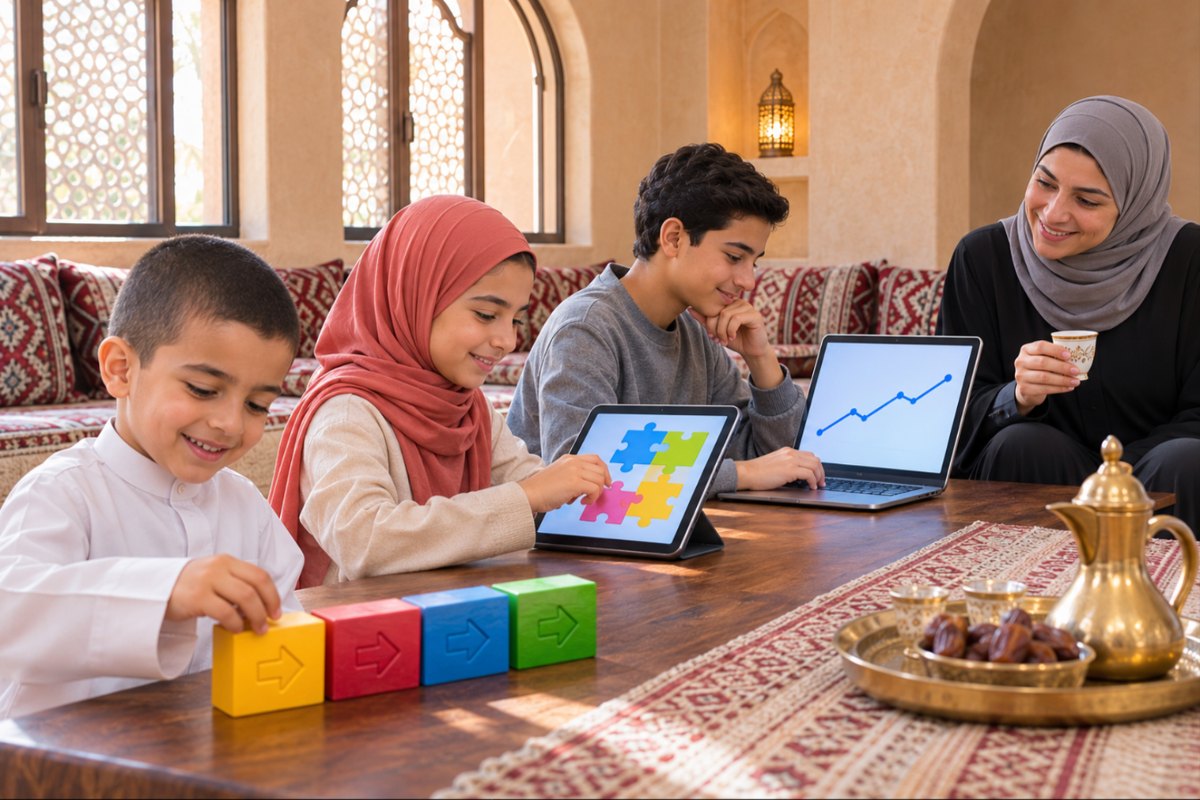
Start with what fits their age: the youngest with logic and play, the older ones with real projects and data. This is a practical order we suggest, not an official rule, so adjust it to your son or daughter's level. If they start late, that's fine. They can begin at step one at any age, as long as they build something with their own hands.
Ages 6 to 8: logical thinking
Start with sequencing and pattern games, then block-based coding. The Scratch Foundation lists ScratchJr for ages 5 to 7. A simple activity: have them write the steps for making a sandwich and follow them literally, so they see how one small mistake in the order changes the whole result.
Ages 9 to 11: a first complete project
They build a game or an interactive story in Scratch, which the foundation lists from age 8. At this stage they get used to fixing their own bugs. Try a game where a character collects coins, then have them add a score counter.
Ages 12 to 14: a real language and data
They learn Python, read simple data in tables and charts, and try a small machine learning project to see how a machine learns from examples. Code.org offers ready-made Hour of AI activities for different grades. At this age they can log match or practice results in a table, chart them, and explain to you what the chart shows.
Ages 15 to 16: real projects and choosing a track
They build a project and show it to real people, then explore a track they like, such as apps, AI or cybersecurity. Each time they check what the tools produce instead of copying it. A good example is a simple app that serves their family or school, tested on them, with notes on what they learned from the feedback.
Read also: Exploring the Benefits of Learning Coding at a Young Age
How can you track progress without being an expert?
After each project, ask three simple questions, and don't wait for a technical explanation:
- What does your project do, and who is it for?
- What bug did you hit, and how did you fix it?
- How do you know the result is right?
If they answer in their own words, they're really learning, and if they struggle, they should step back to the basics. Set aside a quarter of an hour each week for them to show you what they built, even if it's small. Regular show-and-tell builds the habit of explaining, a skill they'll need in any job, technical or not.
Read also: How to Assess Progress in Learning to Code
How does Megaminds Academy help build these skills?
At Megaminds Academy, we teach students aged 6 to 16 coding, robotics and AI in live online classes, in small groups with certified instructors. Every student builds real projects and earns an accredited certificate after each level, practicing the thinking, testing and checking we described here.
Frequently asked questions about Vision 2030 jobs and tech skills
Does coding guarantee my son or daughter a job in Saudi Arabia?
No, and nobody can give that guarantee. But it builds logical thinking and result-testing, abilities the national curricula ask for. Official figures show the tech workforce growing, without promising any specific job.
Does every student need to become a programmer?
No. SDAIA's university curriculum doesn't require programming experience. It asks for understanding data and verifying AI outputs. But learning to code trains these abilities in practice, so it helps even students who go on to study something else.
At what age should they start learning to code?
They can start at 5 to 7 with an app like ScratchJr, then Scratch from age 8. What matters is that the activity fits their age and that they build something with their own hands instead of only watching.
Finally, nobody knows exactly what jobs will look like in 2035, but the ability to think, check and build will stay in demand. Start from where your son or daughter stands today.
Book a trial class and let them build their first project.